SlideBanai
AI-powered presentation builder and coach
Champion, UIU CSE Project Show, Spring 2025
- Role
- Frontend developer
- Team
- 5 members
- Type
- Web app
Overview
The problem
Making a good presentation takes hours: writing the content, designing the slides, and then practising the delivery, usually with a different tool for each step.
The solution
SlideBanai brings those steps into one app. AI drafts the slides, an editor and Canva handle the design, OCR turns existing notes into slides, and a coach gives feedback on practice runs.
My role
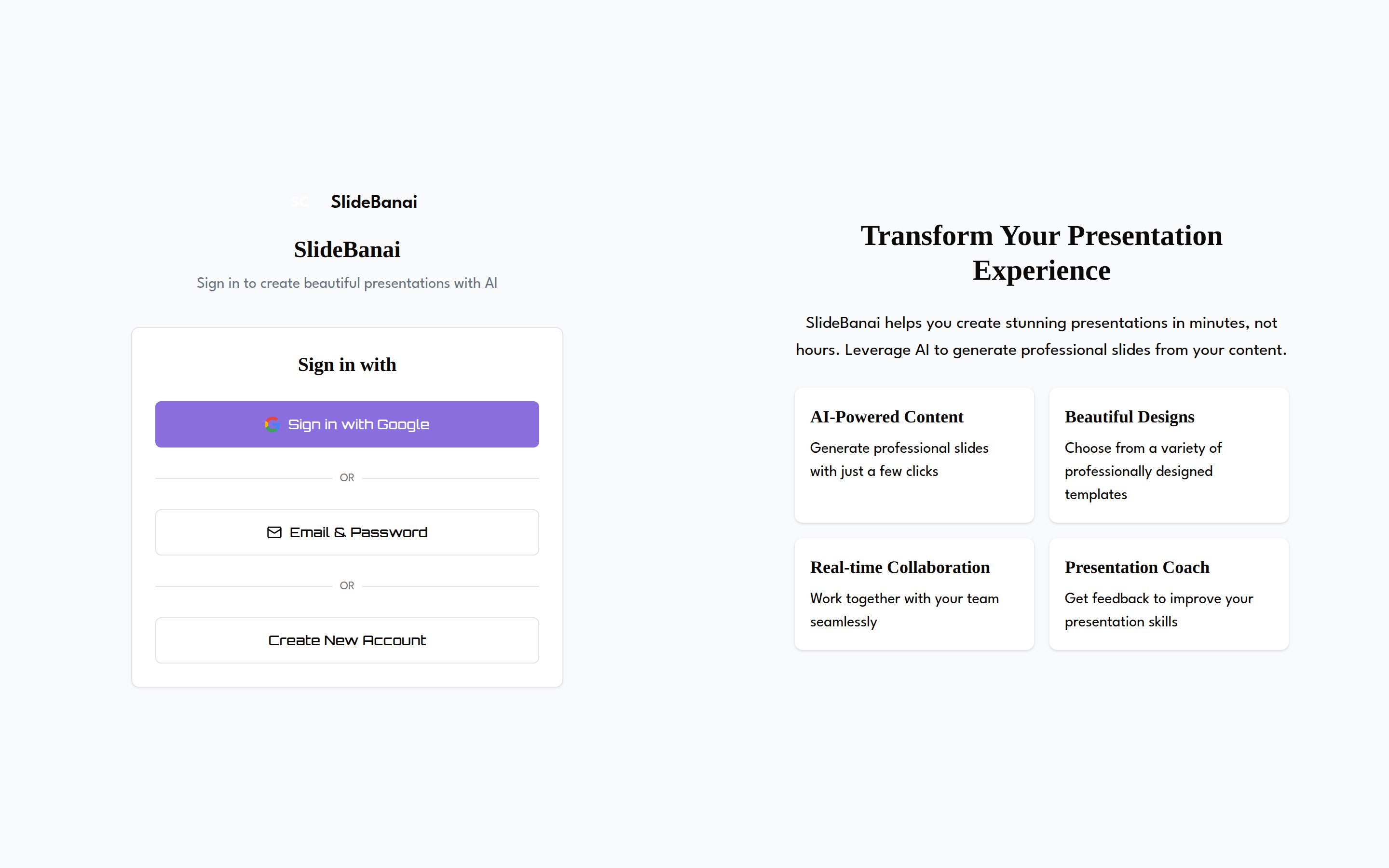
Frontend developer in a team of five. I set up the React and TypeScript client and built its pages: the landing page, sign-in with Google, dashboard, presentations list, slide editor, presentation coach, OCR upload, Canva, and subscription pages.
Key features
- AI slide generation: describe a topic and get a draft presentation, generated with OpenAI GPT-4o
- Slide editor with text, images, shapes, themes, transitions, and a present mode
- Notes to slides: upload a PDF, Word, PowerPoint, or image file, extract the text with OCR, and summarise it into slides
- Canva integration for designing presentations with Canva's tools
- Presentation coach that gives AI feedback and scores on practice sessions
- Sharing presentations with collaborators, plus credits and a Pro subscription plan
Screenshots
Select a screenshot to view it full size.
Architecture
A React client and an Express API. I built the React client. It signs users in with Firebase and calls the team's Express API, which generates and analyses content with OpenAI, reads uploaded documents with OCR, and connects to Canva. Select a part to see what it does and what it connects to.
My part · React + TS
React client
The app users work in: dashboard, presentations, slide editor, presentation coach, OCR upload, Canva, and subscription pages.
- Built with React, TypeScript, Tailwind CSS, and shadcn/ui components
- TanStack Query for server data, React Hook Form and Zod for forms
- Protected routes that send signed-out users to the sign-in page
Connects to